
Switching from another app
Moving from another app? Bring one file.
Leaving Teamer, Pitchero, Spond or TeamFeePay? Bring one spreadsheet and nobody types two hundred players in again.
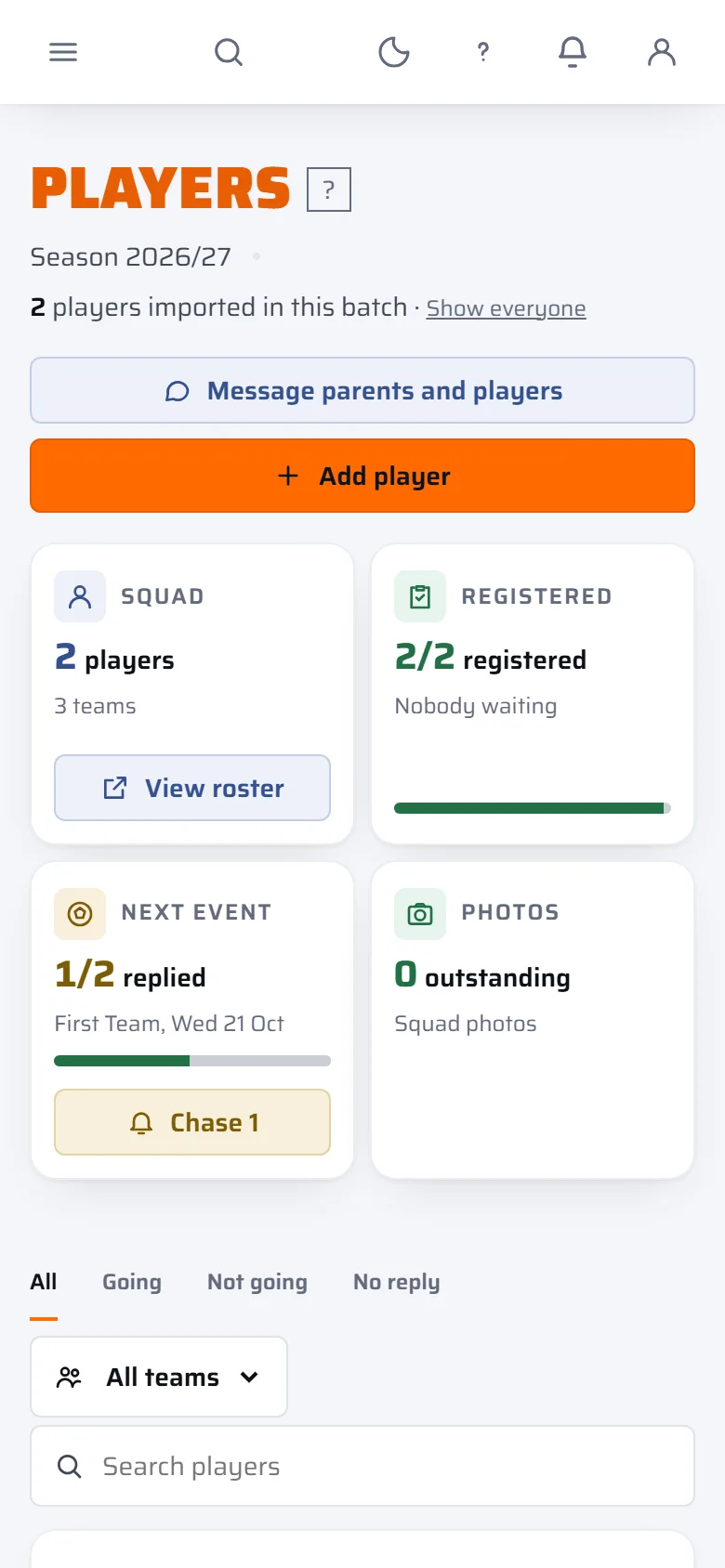
One file, four steps.
Export your list from the old app. Upload the CSV in the import screen. Check how the columns match. Then each family adds its own details and consents.
In as soon as you confirm.
The columns are matched for you from the headings, and you check each one before anything is saved. Players are added to the club as soon as you confirm.
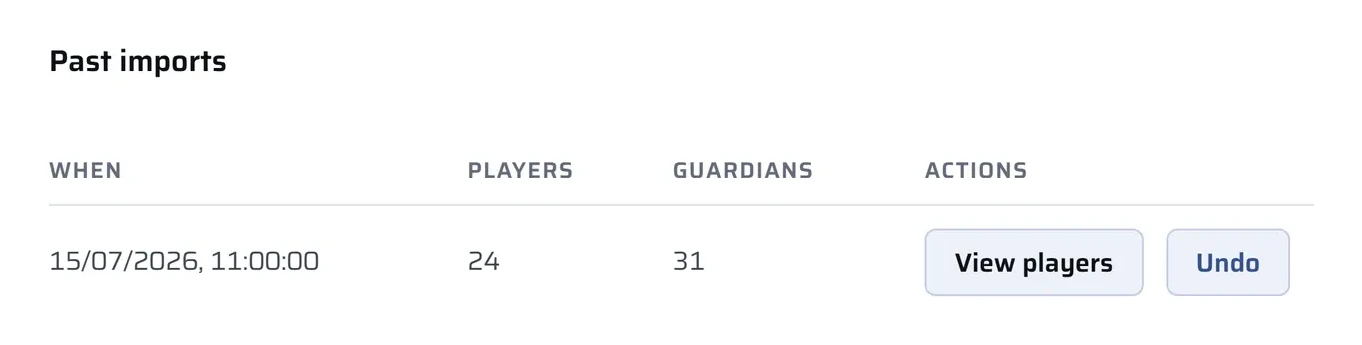
Families add their own details.
Each family is then asked to complete their own details and consents, medical notes included, so nobody assumes an old record is still right. Nothing medical and no consent comes across in the import.
Carry the balances across.
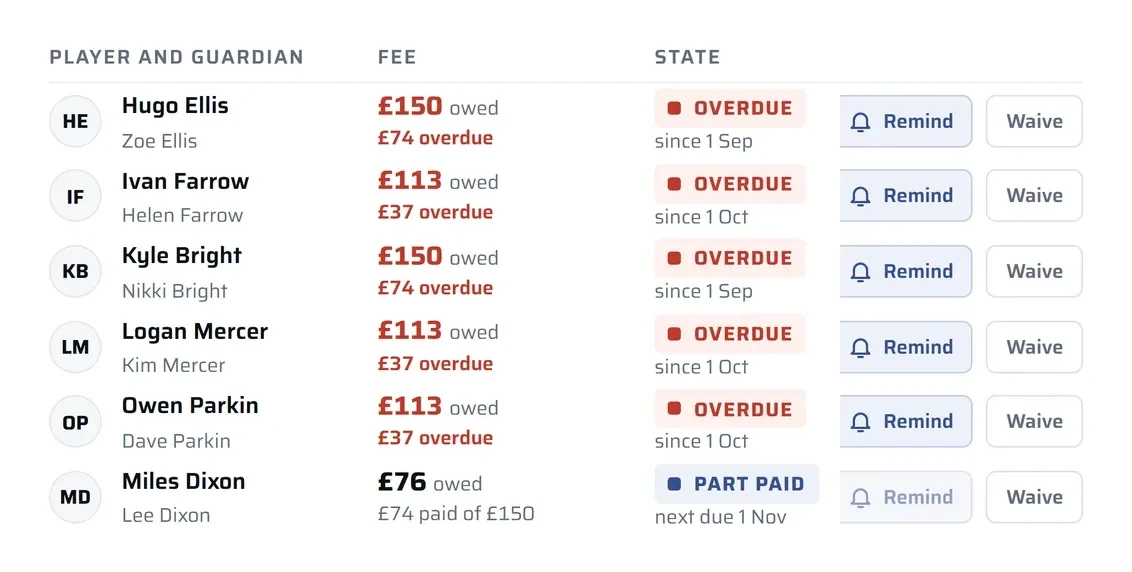
Payment history does not come across. Bring the balances you want to carry forward, enter them as fees, and the family pays what is owed by card.
Whichever app you are on.
Every app's export screen looks a little different and they move their menus around, so we will not pretend to know where the button is in yours today. What you need is a spreadsheet saved as a CSV.
Teamer
Closed 5 October 2026Teamer closed on 5 October 2026 and had no export tool for events and members lists. If you copied your list into a spreadsheet, save it as a CSV and upload it. If you did not, get in touch.
Pitchero
Website and adverts stay behindPitchero's export carries your members list, not the club website or the adverts on it. At launch, Pro clubs can bring their own web address and run the site here, with no third-party adverts.
Spond
Groups and events stay behindSpond's export is your members list. The groups and events parents use stay in that app. Here parents use one app for registration, availability, messages and fees.
TeamFeePay
Built around the moneyTeamFeePay's export is built around the money. Payment history does not come across, so bring the balances you want to carry forward and enter them as fees.
Everything the move involves.
What comes across, what does not, and what it costs, one line each, with the plan your club needs for it.
A CSV in
Upload a CSV in the import screen. The columns are matched from the headings and you check each one before anything is saved.
Every planWhat a row holds
A row per child: first name, last name, date of birth, team, and a parent's name, email and phone. One emergency contact per row.
Every planPlayers added straight away
Players are added to the club as soon as you confirm.
Every planNo medical details or consents
No medical details or consents come across. Each family adds their own.
Every planPlayers, not staff
The import is player-led. Invite managers, coaches and editors yourself.
Every planPlan limits respected
An import respects the plan's player limit.
Every planUndo
An import can be undone until a family has acted on it.
Every planBalances, not payment history
Payment history does not come across. Bring the balances you want to carry forward and enter them as fees.
Club and upSubs in instalments
Split subs into one to twelve even instalments with due dates. Each family pays each one by card.
Club and upOne app for parents
Parents use one app for registration, availability, messages and fees.
Every planYour own web address
At launch, Pro clubs can bring their own web address.
Pro, at launchA move-over offer
Clubs moving over get an offer so the subscription starts with the season, not the day the file lands. It is applied when your club signs up. There is no free trial.
Every planAt launch
The tag shows which plan a club needs. Plans are priced per club, never per player. See every feature, the three prices and how safeguarding works.
What it never does.
A move is only as good as what you can trust, so here is what the import will not do.
How we compare- It never brings medical details or consents across. Each family completes their own.
- It never imports staff or a role. The import is player-led.
- It never brings payment history across, so no family is told they owe something from an old record.
- Nobody on our side matches the columns for you. You check each match in the import screen before anything is saved.
Questions clubs ask before they move.
Straight answers to what clubs ask before they export a single file. If yours is not here, email info@thefullsquad.com and a person will reply.
What do I need to export from Teamer, Pitchero, Spond or TeamFeePay?
A spreadsheet saved as a CSV, with a row per child: first name, last name, date of birth, team, and a parent's name, email and phone. Every app's export screen looks a little different, so we will not pretend to know where the button is in yours today.
Does my child's medical information come across?
No. No medical details or consents come across. Each family adds their own once they land on The Full Squad.
Do our players have to re-register from scratch?
Not from a blank page. Players, a parent or guardian and one emergency contact come across from your CSV and are added as soon as you confirm. Each family then completes their own details and consents. An import can be undone until a family has acted on it.
When do we start paying?
At launch, clubs moving over get an offer so the subscription starts with the season, not the day the file lands. It is applied when you sign up, so ask us for the detail for your club. There is no free trial.
Teamer has closed. Can you still help us move?
Yes. Teamer closed on 5 October 2026 and had no export tool for events and members lists. If you copied your list into a spreadsheet, save it as a CSV and upload it in the import screen. If you did not, get in touch and we will work out the best way forward.

Bring your club across.
Early-access clubs are set up personally, and places are limited. Get on the list, or tell your committee.